
Once you have defined all the settings, the next step is to run your first sync.
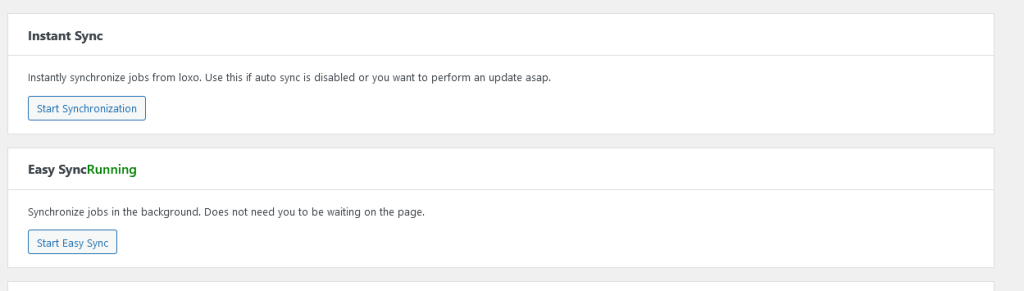
Instant Sync
Click start sync button to fetch the jobs and store them in wordpress job post type. When using instant sync, do not close the browser tab or move away. It won’t take much time.
Easy Sync
Use this button to start a sync that would run in the background. It slower than instant sync, but doesn’t require you to stay on the page.